Small businesses often need to call customers or suppliers in other countries without paying heavy phone charges. A mobile dialer can help, especially for a freelancer or a small team that works from phones. It is not a replacement for a full business phone system, though, and it is worth understanding both sides before you rely on it.
Where a mobile dialer helps
- International calls to landlines and mobiles without every customer needing an app.
- Prepaid control. You buy minutes in advance, so spending is capped at what you purchase.
- Flexibility. Staff can call from any place with a stable connection.
- Quick setup. A dialer plus credentials can be running without installing desk phones.
Where you need to be careful
- Connection quality. Calls depend on the internet connection of each person making them. See our call quality guide.
- Shared credentials. Sharing one login among staff can cause registration clashes and security problems. Ask support about how many devices your account allows, since rules vary.
- Features. A dialer is not a call centre system. If you need call queues, IVR menus, call recording or detailed reports, you may need a dedicated platform.
- Caller ID. What your customers see depends on routes and rules. Read why caller ID may not show.
- Legal and tax rules. Business use can have extra requirements in your country, so check local rules.
A simple way to plan
- List the destinations you call most and confirm they are supported.
- Estimate your monthly minutes. Use the method in our package guide.
- Test with one person first. Make real calls for a week before moving the whole team.
- Set rules for the team. Decide who may use the account, where credentials are stored and what to do if a phone is lost.
- Have a backup. Keep an alternative way to reach important customers if the internet fails.
MoSIP or iTel for business?
Both dialers are set up around provider accounts, and the better choice depends on your devices and what your provider supports. Our MoSIP versus iTel comparison covers the main differences. If you need larger volumes, mention that when you message us so we can point you to suitable packages.
When to move beyond a dialer
Consider a fuller solution if you have more than a few simultaneous callers, need shared numbers and call routing, or must keep call records for compliance. The complete guide to VoIP services explains options such as SIP trunks and DID numbers.
Three example setups
The freelancer. A translator calls clients in three countries a few times a week. One phone, one account and a mid-sized package are enough. The main concerns are call quality and keeping minutes for the month.
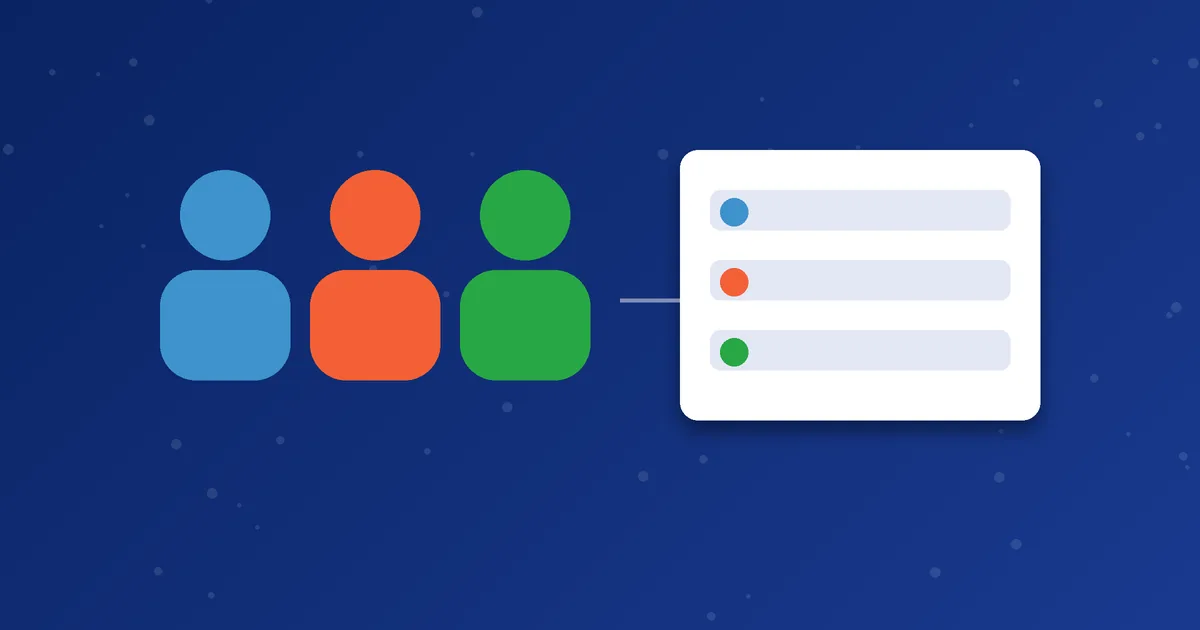
The three-person sales team. Each salesperson makes calls to prospects abroad. Here, the team needs to ask support about the number of devices per account and whether separate accounts are available, because sharing one login can cause registration clashes. They also need a rule on who can order more minutes.
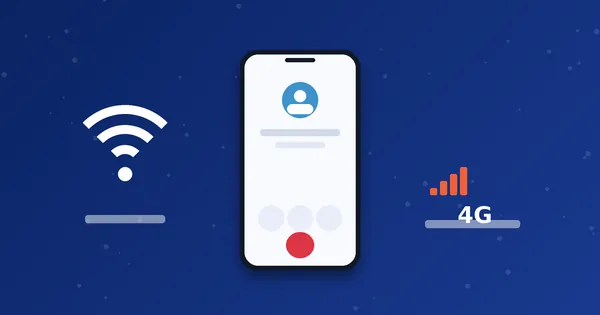
The support desk. A small shop returns customer calls across countries. Calls are frequent and often at the same time of day, so connection stability matters more than anything. A wired desk connection with a phone on Wi-Fi as backup is a sensible arrangement.
Policies worth writing down
- Who may use the account and from which devices.
- Where the credentials are stored, and who can see them.
- What to do if a phone is lost or an employee leaves.
- Who is responsible for topping up minutes and by when.
- What to do when a call quality problem appears, including who contacts support.
A one-page note is enough for a small team. Writing the rules down avoids arguments and gaps later.
Measuring whether it works for you
After a month, compare three things: the minutes you used, the cost compared with your previous way of calling, and the number of calls that had quality problems. If the cost is lower and problems are rare, a dialer is working for you. If problems are frequent, look at your connections and consider a better network or a different arrangement for important calls. Keep a simple log of failed calls with dates and times. It helps support find patterns, and it helps you decide whether to expand or change your setup.
Next step: Tell us how many people will call and which countries you need, and we will suggest what to look at on the packages page.
Frequently asked questions
Can several employees use one account?
That depends on your account rules. Ask support before sharing, because simultaneous use can cause problems.
Can I get invoices for business use?
Ask support what documents are available for your order.
Is a mobile dialer secure enough for business?
It can be, if you protect credentials and phones. See our security guide.