If you have been told to "install a dialer and enter your SIP details", it can sound more technical than it really is. A mobile SIP dialer is simply an app that lets your phone place and receive calls over the internet instead of through your mobile network's normal voice service. This guide explains what the app does, what happens when you press the call button, and what you need to have ready before you start.
What a mobile SIP dialer actually is
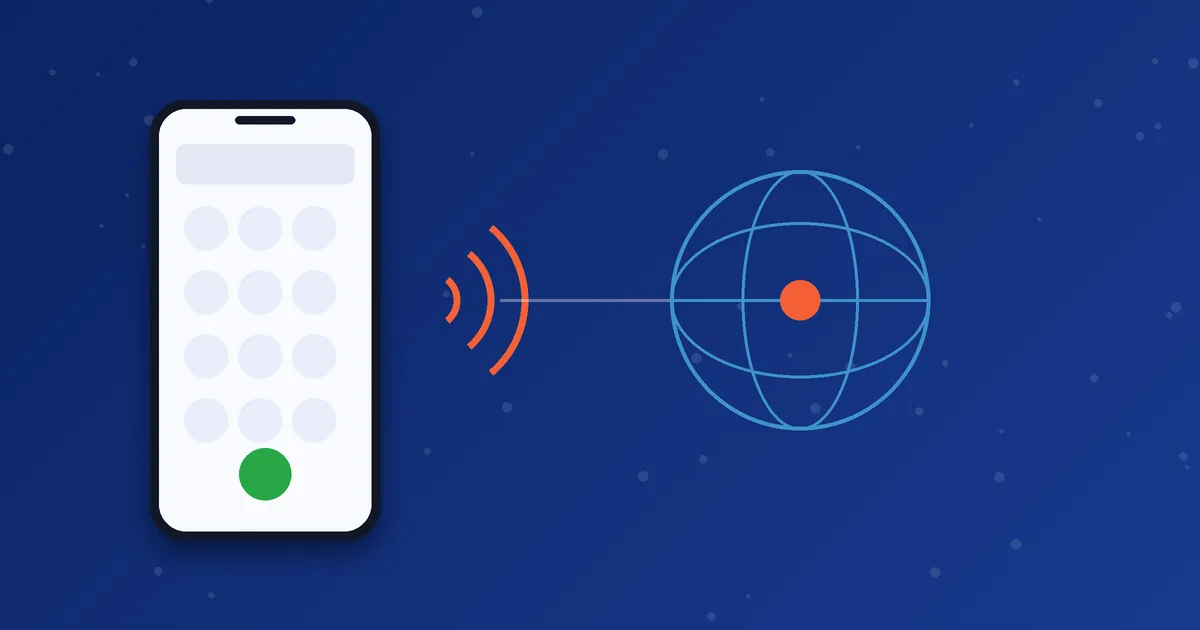
SIP stands for Session Initiation Protocol. It is the signalling language that VoIP (Voice over Internet Protocol) systems use to start, manage and end calls. A dialer or softphone is the app on your phone that speaks this language for you. You type a number on a normal-looking keypad, and the app handles the technical conversation with your VoIP provider in the background.
Because the audio travels as data, the call can run over Wi-Fi, 4G or 5G. The phone does not need to use its own voice minutes for the call. Instead, the minutes come from the VoIP account you are signed in to.
What happens when you press call
- Registration. When you open the app, it signs in to your provider's server with your SIP username, password and server details. This is called registering. A green status or "registered" message usually confirms it worked.
- Call request. When you dial, the app sends a request to the provider's server saying which number you want to reach.
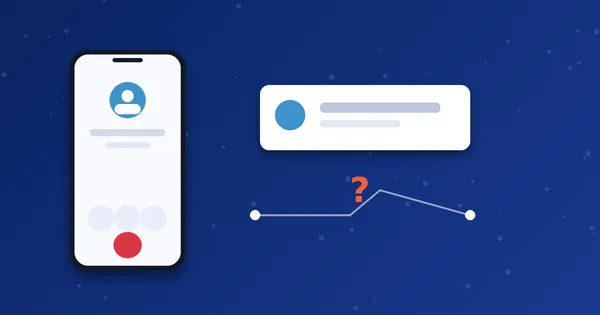
- Routing. The provider's system checks your account and balance, then sends the call towards the destination network, which may be a landline or mobile operator.
- Audio. Once the other person answers, your voice is converted to small digital packets, sent over the internet, and converted back to sound at the other end.
If the first step fails, nothing else can work. That is why most troubleshooting starts with checking that the account is registered. Our guide to fixing a dialer that will not register walks through the usual causes.
Dialer, softphone and ordinary phone app: what is the difference?
| Type | What it does | Typical use |
|---|---|---|
| Phone app that came with your phone | Uses your mobile operator for voice calls | Everyday local calls |
| SIP softphone | General-purpose SIP app where you enter all account settings yourself | Office phones, technical users |
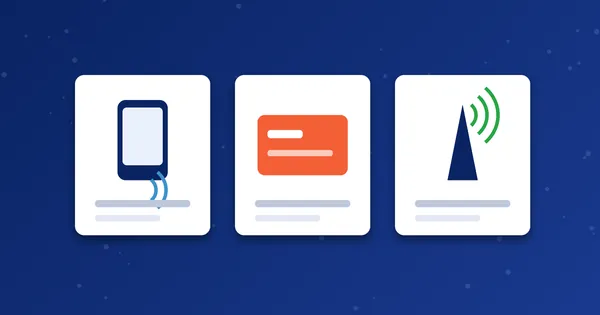
| Branded mobile dialer | A SIP app set up for one provider, sometimes with a Brand PIN or operator code | Customers of a VoIP calling service |
MoSIP and iTel are examples of branded mobile dialers. MoSIP is published by Voxvalley Technologies, and iTel is a dialer product line from Reve Systems. MosipVoIP is a separate service that provides calling minutes and account details you can use with these apps, so the app itself and your calling account are two different things.
What you need before you can make a call
- A smartphone that is supported by the dialer you choose.
- A stable internet connection. See how latency, jitter and packet loss affect VoIP call quality if calls sound choppy.
- A VoIP account with credentials from your provider: normally a username, password and server or domain, and sometimes a Brand PIN or operator code. If you are not sure what these terms mean, read our guide to SIP account settings.
- Minutes or balance on that account. You can compare options on the packages page.
Advantages and limits
Advantages: international calls can cost less than traditional routes, you can call landlines and mobiles that do not have the app, and one internet connection can carry calls from anywhere you have signal.
Limits: call quality depends on your connection, some destinations may not be available on every account, and you must keep your credentials private. A VoIP call is also not guaranteed to work during an internet outage.
A worked example: your first call, step by step
Imagine you have just received your account details and installed a dialer. You open the app and enter the username, password and server you were given. After a few seconds the status changes to registered. You then type a friend's number in international format, for example +44 7911 123456, and press the green call button.
Behind that single tap, your app sends a call request to your provider, the provider checks that your account is active and has minutes, and the call is passed on towards the UK mobile network. If your friend answers, you hear them within a second or two. If you hear a short delay before ringing, that is normal for international calls, because each step adds a little time.
The same flow applies whether you use MoSIP, iTel or a general softphone. What changes between apps is the screen layout and the exact fields you fill in, not the basic idea.
Common misunderstandings
- "The dialer gives me a phone number." Not by itself. The app is the tool. Whether you also receive calls on a number depends on your provider and package.
- "The other person must install the same app." They do not. You call their normal phone number.
- "It works without internet." It does not. If the connection drops, the call drops too.
- "All dialers are interchangeable." Each branded dialer is configured for particular providers. A MoSIP login will not simply work in a different app, so install the one your account is made for.
- "Wi-Fi calling and a dialer are the same." Wi-Fi calling is a feature of your mobile operator. A dialer connects to your VoIP provider instead.
Questions to ask before you choose a dialer or provider
- Which phones does the app support, and how is it installed?
- What do I need to sign in, and who issues those details?
- Which destinations and number types can I call?
- How long do my minutes last, and how do I check my balance?
- Who do I contact if something stops working?
Asking these before you pay prevents most disappointments. The How It Works page shows how we handle these steps.
Next step: Ready to try it? Choose the package that matches how much you call, or ask us on WhatsApp which dialer suits your phone.
Frequently asked questions
Do I need a SIM card to use a mobile SIP dialer?
You need a phone with internet access. The call itself uses your VoIP account, but you still need a working data or Wi-Fi connection to reach it.
Can the person I call be on a normal phone?
Yes. Most VoIP calling services let you dial regular landline and mobile numbers, subject to the destinations your account supports.
Is a SIP dialer the same as WhatsApp calling?
No. WhatsApp calls only reach other WhatsApp users. A SIP dialer routes calls to standard phone numbers through your VoIP provider.