Caller ID looks simple, but the number that appears on the other phone passes through several networks on the way. Any of them can change, replace or hide it. This guide explains why a custom caller ID may not show as expected and what you can reasonably check. It also covers responsible use, which matters more than most people realise.
How caller ID travels
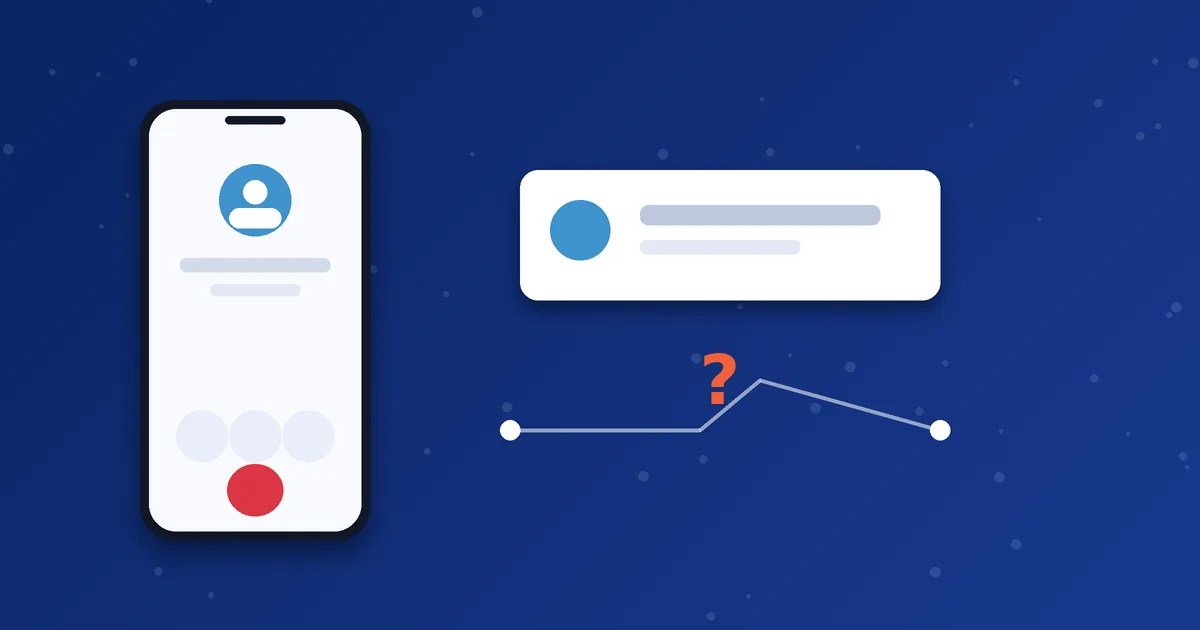
When you call, your VoIP provider sends the number you want to present along with the call. The call then passes through one or more carriers before it reaches the receiver's operator. Each carrier decides whether to pass that number on, replace it or mark it as private or unknown. Your provider controls only the first part of that journey.
Common reasons it does not show
- The route does not pass caller ID. Some routes strip or replace the presented number.
- The receiving operator replaces it. Operators may show a different number or an unknown caller label.
- The destination country has rules. Some countries restrict how caller ID can be presented on international calls.
- Your package does not include it. Features differ between packages, so check what yours covers.
- The setting is not enabled or was entered incorrectly. A number in the wrong format may be rejected.
- The receiver uses a call-blocking or spam-filter app. These apps can hide or relabel unfamiliar numbers.
What you can check
- Confirm with support that caller ID is enabled on your account and which number is set.
- Make test calls to two or three different phones and operators and compare the results.
- Try a different destination to see whether the issue is route-specific.
- Ask the receiver what exactly appears, such as unknown, private or a different number.
If you are unsure how the feature works on our service, read the Custom Caller ID page first.
Use caller ID responsibly
Only present numbers you are entitled to use. Showing someone else's number, or a number designed to mislead, can break the law in many countries and can cause your account to be blocked. Rules differ by country and change over time, so check the rules where you and the recipient are located. Never use caller ID to deceive, harass or impersonate. MosipVoIP cannot guarantee how any destination network will display a number.
What to tell support
If something looks wrong, send the date and time, the number you called, the country and operator if you know them, what appeared on the other phone, and a screenshot of your dialer. Do not send your password. Our support checklist has the full list.
Who controls what the receiver sees
| Link in the chain | What it controls | What you can do |
|---|---|---|
| You and your dialer | Which number you ask to present, if your account allows it | Check that the setting and number format are correct |
| Your VoIP provider | Whether your package allows caller ID presentation and how it is sent | Ask support what is enabled |
| Carriers along the route | Whether they pass the number through unchanged | Try other destinations to see whether it is route-specific |
| Receiving operator | What is finally displayed on the phone | Ask the receiver what exactly they see |
| Receiver's phone or app | Whether the call is shown, filtered, blocked or relabelled | Ask them to check call-blocking apps |
Only the first two are in your control. This explains why caller ID can behave differently for two people you call on the same day.
Good practice checklist
- Use only a number you have the right to present.
- Write the number in full international format in your settings.
- Make test calls to at least two operators before you rely on the feature for something important.
- Tell people you will be calling, so they do not ignore an unfamiliar number.
- Keep a record of what appeared on each test so you can show support a clear picture.
When a customer says they see a different number
Stay calm and gather facts. Ask which number they saw, at what time, and on which operator. Compare it with what you set. If the displayed number is a generic or unknown label, a route or an operator likely replaced it. If it shows a completely different real number, report it to support with the details straight away, so the cause can be investigated.
It also helps to include your name when you speak. Caller ID is a convenience, not a guarantee, so it is wise not to depend on it alone to identify you. For important calls, send a short message beforehand to let the person know who is calling and when.
Next step: Choosing a package that includes caller ID features? Check the details with us first so you know what to expect.
Frequently asked questions
Can you guarantee my number will always display?
No. The receiving network decides what is shown, so display can vary by route and operator.
Why does it work for one person but not another?
Different operators and call-filtering apps treat numbers differently.
Is a private number the same as custom caller ID?
No. A private number hides the number, while custom caller ID presents a chosen number. See the package descriptions for what is offered.