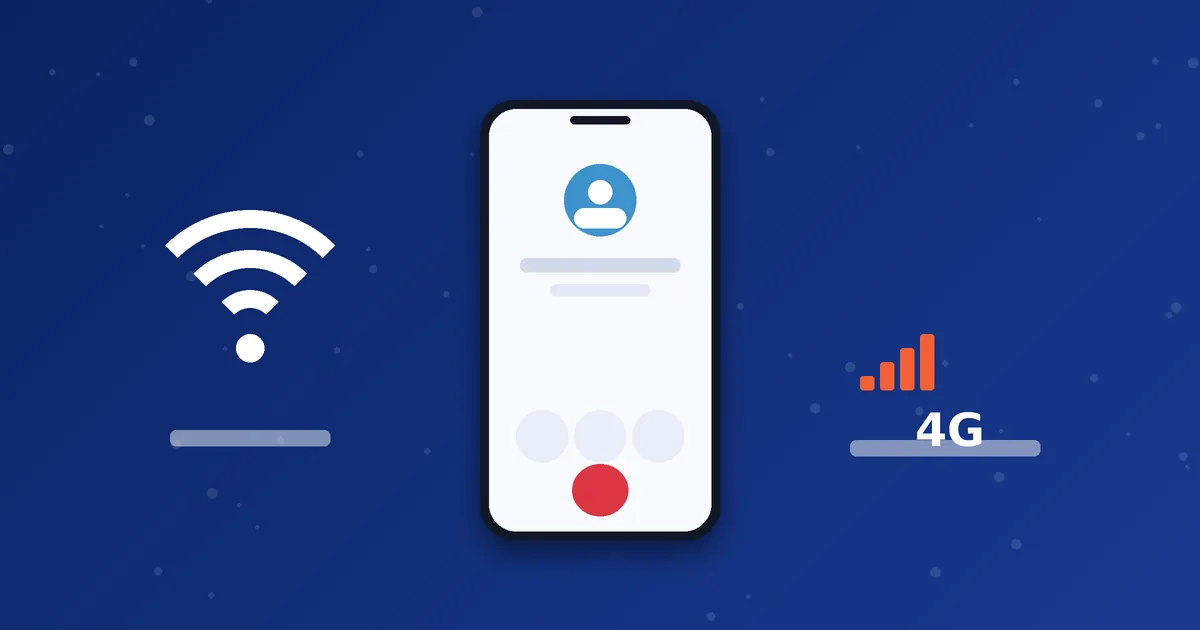
Mobile dialers work over both Wi-Fi and mobile data, so which should you use? The honest answer is that either one can give excellent calls or poor calls. What matters is the quality of the specific connection at that moment. This guide compares the two and gives you a quick test to decide.
How they compare
| Factor | Wi-Fi | Mobile data (4G/5G) |
|---|---|---|
| Stability | Good with a strong signal, but drops with distance and interference | Usually steady, but varies with tower load and location |
| Data cost | Uses your broadband, usually not metered by the minute | Uses your mobile plan allowance |
| Delay and jitter | Can be low, though shared networks add jitter | Often consistent, with some variation at busy times |
| Battery | Usually lower drain than a weak mobile signal | Can drain faster when signal is weak |
| Mobility | Only within range | Works while moving, with handovers between towers |
When Wi-Fi is usually better
- Long calls where you want to protect your data allowance.
- When you are sitting near the router with a strong signal.
- When mobile coverage indoors is weak.
When mobile data may be better
- When the Wi-Fi is shared, congested or public. Public networks can block or throttle VoIP traffic.
- When you are moving, such as walking or travelling.
- When your home internet is unstable but your mobile signal is strong.
Watch out for Wi-Fi calling confusion
Wi-Fi calling offered by mobile operators is a different feature from a VoIP dialer. Your dialer uses the internet to reach your VoIP provider, not your mobile operator. Keep the two separate when you troubleshoot.
A two-minute test to choose
- Call a friend or a test number on Wi-Fi and speak for one minute.
- Switch to mobile data and repeat the same call.
- Note delay, choppiness and any dropouts on each.
- Use the better one for important calls and re-test if conditions change.
Tips for better results on either connection
- Allow the dialer to run in the background and exclude it from aggressive battery saving.
- Keep the phone updated and close apps that use heavy data.
- Avoid VPNs unless your provider recommends one.
- On Wi-Fi, try the 5 GHz band if it is available and you are close to the router.
To understand the numbers behind a good call, read our guide to latency, jitter and packet loss, and for monthly data planning see how much data VoIP calls use.
Three everyday scenarios
At home in an apartment. Many neighbouring routers share the same channels, which causes interference. If your calls stutter on Wi-Fi, try the 5 GHz band if it is available, or change the router's channel. If it still struggles, mobile data may sound better.
At the office or a shared workspace. Shared networks serve many people streaming and downloading. Your calls compete with them. Ask whether the network has any rules for VoIP, and consider mobile data for important calls.
While travelling. Hotel and airport Wi-Fi can be slow or block VoIP traffic. Mobile data is often the safer option, but watch for roaming charges. If you are abroad, check your operator's data roaming terms before you rely on a long call.
Small router changes that can help
- Placement. Keep the router in an open, central position, away from thick walls and metal objects.
- Band. The 5 GHz band is usually less crowded but covers a shorter distance than 2.4 GHz.
- Restart. A router that has been running for weeks can slow down. A restart sometimes restores normal behaviour.
- Quiet the network. Pause large downloads and cloud backups during calls.
Signs you should switch connection
- Your voice cuts out repeatedly while the other person sounds fine.
- The call drops when you move between rooms.
- Delay becomes obvious, with both sides speaking at the same time.
- The dialer repeatedly loses registration.
Switching takes a few seconds. Turn off Wi-Fi in your phone settings to force mobile data, or turn on Wi-Fi and disable mobile data to do the reverse. Redial and compare. If both connections are poor, it may be a wider problem with the route, and our call failed guide and support team can help you investigate.
Next step: Need help setting up a dialer on your phone? Our setup guides and WhatsApp team can walk you through it.
Frequently asked questions
Can VoIP calls switch between Wi-Fi and mobile data mid-call?
Behaviour varies by app and phone. Some calls continue smoothly, while others drop and need to be redialled.
Is 5G better than 4G for VoIP?
Not necessarily for voice. Stability and low jitter matter more than peak speed.
Do I need unlimited data?
No, but if you make long calls on mobile data, estimate usage first.