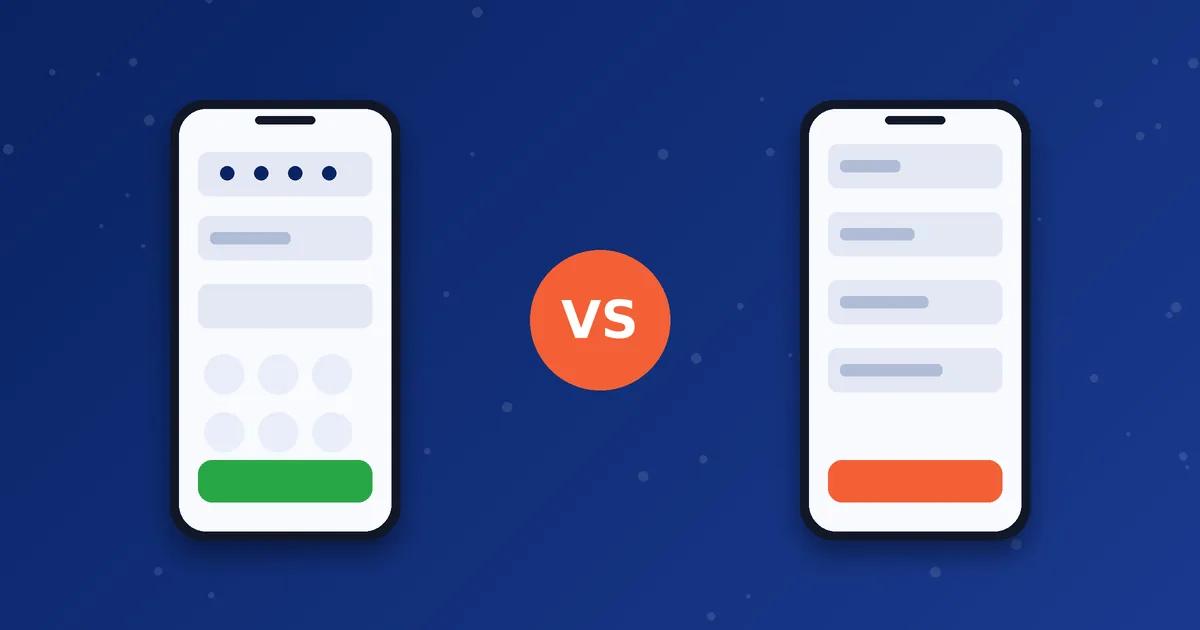
MosipVoIP offers minutes for two dialer apps, MoSIP and iTel. Both let you make VoIP calls from your phone, and neither is automatically better for everyone. The right one depends on your phone, how your setup works and how you like to call. This comparison covers the practical differences.
The short version
| MoSIP dialer | iTel dialer | |
|---|---|---|
| What it is | A mobile VoIP dialer published by Voxvalley Technologies | A dialer product line from Reve Systems, including hybrid dialers that can work with calling-card style access |
| What you need to sign in | Username, password and a Brand PIN issued by your provider | Credentials from your provider, such as an operator code or brand prefix, username and password |
| Phone support on our site | Setup is documented for Android on our MoSIP Dialer page | Android and iPhone are covered on our iTel Dialer page |
| Where you get it | See the downloads page for the file or link for your account | See the downloads page for the file or link for your account |
| Packages | MoSIP packages on the packages page | iTel packages on the same page |
Device support can change when apps are updated, so check the dialer pages and ask us if your phone model is uncommon.
What they have in common
- Both use the internet to place calls through your provider's account.
- Both work with an account that you buy in advance as minutes.
- Both depend on a stable connection, so tips on call quality and Wi-Fi versus mobile data apply to either.
- Both need your credentials to be kept private.
When MoSIP may suit you
- You use an Android phone and want the MoSIP setup described on our site.
- Your account details include a Brand PIN. See the Brand PIN page.
- You want a simple dialer that signs in with a username, password and PIN.
When iTel may suit you
- You use an iPhone, or you want the iTel setup described on our site.
- Your account uses an operator code or brand prefix.
- You are interested in iTel-specific packages, which are listed separately.
How to decide
- Check which dialer works on your phone model.
- Look at the packages for each and compare how many minutes you need. See how to choose a package.
- Confirm any features you care about, such as caller ID, with the team before you buy.
- If you are still unsure, message us your phone model and the countries you call.
New to dialers in general? Start with what a mobile SIP dialer is.
Next step: Tell us your phone model and the countries you call, and we will point you to the right dialer and package.
Frequently asked questions
Can I use both dialers?
You can install both apps, but each needs its own account. Packages are separate.
Which has better call quality?
Quality depends mostly on your network, the route and the account setup, not only on the app. Test with a short call.
Is one cheaper?
Prices depend on the package, so compare them on the packages page.