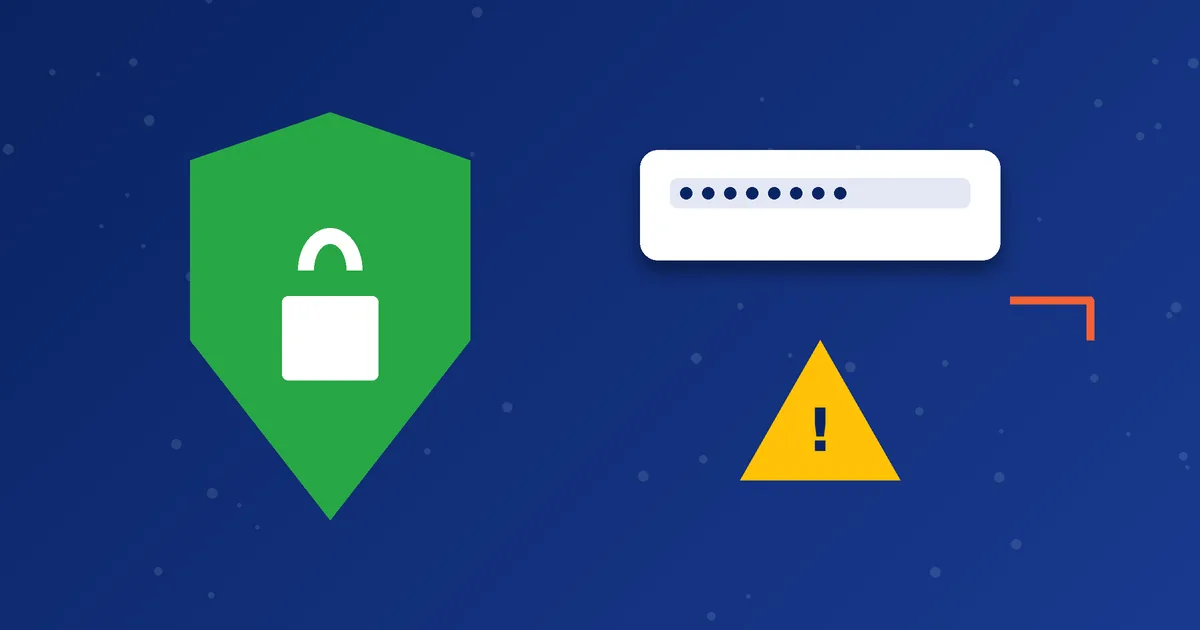
Your VoIP credentials are valuable because they let someone place calls that use your minutes. Anyone who gets them can use your account, and prepaid balances can disappear quickly. Good habits cost nothing, and most of them take only a few seconds.
What needs protecting
- Your SIP username and password.
- Any Brand PIN or operator code issued to you.
- The message or chat in which your credentials arrived.
- Your order ID and payment details.
Habits that protect you
- Do not share credentials publicly. Never post them in groups, screenshots or social media. Crop or hide the password when you send a screenshot.
- Share only with the team that issued them. If you contact support, describe the problem and do not paste the password unless a verified support channel specifically asks for it.
- Store them safely. Use a password manager or a protected note rather than a message thread that others can read.
- Use the official source for the app. See how to install an Android APK dialer safely.
- Lock your phone. A screen lock protects the app if the phone is lost.
- Keep the phone updated. Updates fix known security flaws.
Recognise scams and fake support
| Warning sign | What to do |
|---|---|
| A message asks for your password, "to fix your account" | Do not share it. Contact support through the website or WhatsApp number on our contact page. |
| A link to a "new" download or an app update from an unknown sender | Do not install. Use the downloads page on the official website. |
| Pressure to pay quickly or to a new account | Stop. Confirm payment details through the official contact page. |
| An offer of free minutes in exchange for your login | This is a common trick. Ignore it. |
| A Brand PIN from a stranger or a website | Use only the code issued to you for your account. |
Signs your account may be misused
- Minutes disappear faster than you expect.
- You see calls you did not make, if your app or account shows a call history.
- The dialer logs you out or will not register, although nothing changed.
If you notice any of these, contact support promptly so the credentials can be reviewed and, if needed, changed. Policies on credential resets are handled by the team, so ask what applies to your account.
Be careful with networks
Public Wi-Fi can be unsafe. Avoid logging in to accounts on networks you do not trust, and avoid sharing screenshots that show your credentials. Your provider may also offer settings such as encrypted transport. Our settings guide explains transport options, but only change them if your provider tells you to.
Be a responsible caller
Security is not only about keeping others out. Use your minutes lawfully, and follow local rules about calling and caller ID. Our guide on caller ID and responsible use covers the main points.
What to do in the first hour if you suspect misuse
- Stop using the account until it has been checked, so you do not lose more minutes.
- Contact support through the official WhatsApp number or support page and explain what you noticed, with times if you can.
- Remove the account from shared devices or from any phone you no longer use or trust.
- Delete the message containing your credentials from places others might see, such as a shared tablet or group chat.
- Change related passwords if you reused the same password elsewhere. Reusing passwords makes one leak harm several accounts.
- Ask what happens next. Policies on credential changes and any adjustments are decided by the business, so ask the team what applies to your case.
Phone hygiene that helps
- Use a screen lock with a PIN, pattern or biometric option.
- Install apps only from sources you trust, and review the permissions they request.
- Keep your phone's system updates installed.
- Be careful with screenshots. A screenshot of settings can reveal a password in a visible field, so crop or hide it.
- Log out of shared or borrowed devices.
Helping family and friends stay safe
If you set up a dialer for a relative, give them the details privately and show them how to keep them safe. Explain in simple words that the password is like a key to their minutes, that support will not need it to fix a typical problem, and that anyone asking for it in a message is probably not trustworthy. A few minutes of explanation can prevent a loss later.
Scams tend to rely on urgency: a message saying your account will be closed, or an offer that expires in minutes. Genuine service messages rarely require you to act within minutes, so take a breath and verify through the official contact page before you reply. The support checklist shows what is safe to share.
Next step: If you think someone else has your login details, message us right away through WhatsApp or the support page.
Frequently asked questions
Will MosipVoIP ask for my password?
Do not share your password except through an official channel you started yourself. If you are in doubt, ask us on the contact page first.
Is a long password necessary?
You usually cannot choose the password for a SIP account, so the main thing is to keep it private and not reuse it elsewhere.
What should I do if I shared my credentials by mistake?
Contact support immediately, and avoid using the account until it has been checked.