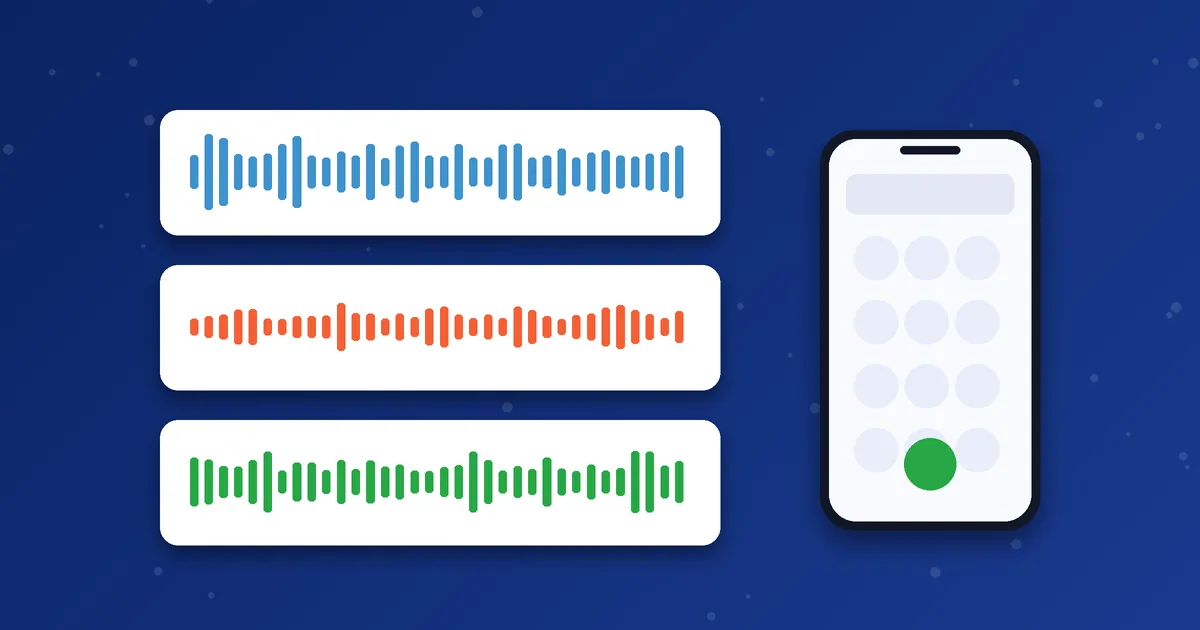
A codec is the method a VoIP app uses to turn your voice into digital data and back again. Different codecs make different trade-offs between sound quality and the bandwidth they need. Many dialers pick one automatically, but some let you choose, so it is worth knowing what the names mean.
The three codecs you will meet most
| Codec | Voice data rate | Sound quality | Bandwidth use | Typical use |
|---|---|---|---|---|
| G.711 | 64 kbps | Good, similar to traditional telephone quality | Higher | Stable networks where clarity matters |
| G.729 | 8 kbps | Acceptable, more compressed | Much lower | Limited bandwidth or costly data |
| G.722 | 64 kbps | Wideband, often called HD voice | Higher, similar to G.711 | Calls where both sides support wideband |
G.711: simple and clear
G.711 does very little compression, which is why it sounds clean and puts little strain on the phone's processor. The cost is bandwidth. With packet overhead, a call can use roughly 80 to 95 kbps in each direction. On a good Wi-Fi connection, that is rarely a problem.
G.729: small and efficient
G.729 compresses voice heavily, so it needs far less bandwidth, often around 25 to 40 kbps per direction including overhead. The compression makes it sound a little less natural, and it handles background noise less gracefully than G.711. It is useful when you are on a weak or expensive mobile connection.
G.722: wideband voice
G.722 captures a wider range of sound frequencies, so voices can sound fuller and more natural. Both ends of the call need to support it. When one side is a normal phone line, the call will usually fall back to a narrower codec somewhere along the path, so you may not hear the benefit on every call.
Which one should you use?
- Strong Wi-Fi and a priority on clarity: G.711 or G.722 if your account supports it.
- Weak mobile data or a small data allowance: G.729 if available.
- Not sure: keep the app's default. It was normally chosen to work with the provider.
Which codecs are available depends on your dialer, your provider's server and the destination route. MosipVoIP can confirm what your account supports if you ask on WhatsApp. Do not enable every codec at once, because that can create confusion during negotiation.
Why codec choice is not the whole story
A good codec cannot fix a bad network. If audio is choppy, check jitter and packet loss first using our guide to VoIP call quality. For how much internet each codec needs, see how much data a VoIP call uses.
How the two ends agree on a codec
Before audio starts, the two sides of a call exchange lists of the codecs they support. They then agree on one that both can use. If your app offers G.729 first and the server accepts it, G.729 is used. If the server does not accept any of your preferred codecs, it may move to the next one, or the call may fail. This is why enabling unusual codecs can sometimes cause problems.
Because the route may pass through several networks, the codec can also be converted along the way. Converting between codecs is called transcoding, and it can slightly reduce quality, so a simple set of well-supported codecs usually works best.
Which codec for which situation?
| Situation | Sensible choice | Why |
|---|---|---|
| Home Wi-Fi, important conversation | G.711 or G.722 if supported | Higher clarity, bandwidth is not a problem |
| Weak or slow mobile data | G.729 if supported | Uses much less data and copes better with limited bandwidth |
| Many people on one connection | G.729 or a mix | Keeps total bandwidth down |
| Not sure | Leave the default | The provider usually chose a combination that works |
What a codec cannot fix
A codec changes how voice is packaged. It does not repair a weak signal, a congested route or a faulty microphone. If the voice is robotic because packets are being lost, a different codec may help a little, but the connection still needs attention. If the other person sounds distant, check microphone and speaker settings first.
Also remember that background noise is handled differently by different codecs and apps. Some apps include noise reduction and echo cancellation, which can matter more to clarity than the codec itself. If you hear an echo, try using earphones, which reduces the sound from the speaker reaching the microphone.
If you want to compare options methodically, change only one setting at a time and make the same short test call each time. Write down what you hear. After two or three tests, you will know whether the codec is making any real difference on your connection.
Next step: Want to know which dialer and settings fit your phone? Ask us before you order.
Frequently asked questions
Can I change the codec in MoSIP or iTel?
That depends on the app version and how your provider has configured it. Ask support before changing advanced settings.
Does a different codec change my calling cost?
Not directly. Codec choice affects audio quality and data use. Calling cost depends on your package and destination.
What is the best codec overall?
There is no single best. It depends on network conditions, device and what both ends support.