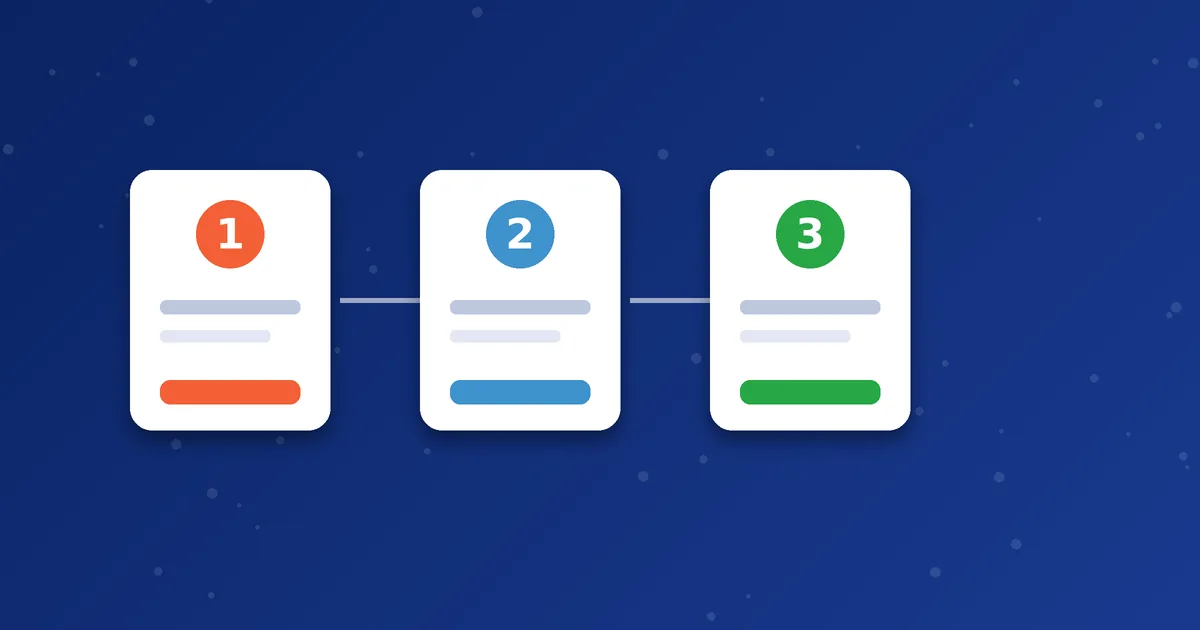

Buying MoSIP minutes from MosipVoIP takes a few simple steps. This guide walks you through the process from choosing a package to making your first call, and points out what to check along the way. You can also see the same flow on our How It Works page.
Step 1: Choose a package
Open the packages page and look at the current MoSIP options. Package sizes and prices can change, so always rely on the figures shown there. If you are not sure how many minutes you need, our guide on choosing a VoIP minutes package shows how to estimate your usage.
Also decide which dialer you want to use. MoSIP and iTel packages are separate, so make sure the package matches the app. The MoSIP versus iTel comparison can help you decide.
Step 2: Place your order
Use the order page and fill in the form. Have these details ready:
- Full name
- Email address
- WhatsApp number
- Operator code, if you have one
Enter your WhatsApp number carefully, because our team uses it to confirm your order and share your account details.
Step 3: Confirm payment and activation on WhatsApp
After you submit the order, our team contacts you on WhatsApp to confirm the details and the payment steps. Once payment is verified, your account is activated and your credentials are shared with you. The team will tell you what to expect for your specific order, so ask them directly if timing matters to you. You can follow the status on the track order page.
Step 4: Install and set up your dialer
Download the correct app from the downloads page, then enter the details you received. The MoSIP registration guide explains each step. If you want to understand the settings first, read about SIP username, password and server fields. If the app does not sign in, use the registration checklist.
Step 5: Make a short test call
Call a number in a country you plan to use and check the sound quality. Use the international format with a country code, as explained in how to dial international numbers.
Tips for a smooth first order
- Use a stable internet connection for the first call.
- Keep your credentials private. Read our account security guide.
- Confirm with the team any detail that matters to you, such as destinations, how long minutes remain valid and how many devices your account supports.
Next step: Ready to start? Choose a package and place your order, or message us on WhatsApp if you want advice first.
Frequently asked questions
Do I need to pay before I get my credentials?
Our team confirms payment steps with you on WhatsApp after you place the order. Ask them if you have questions about the process.
Can I buy for someone else?
Yes, as long as you give the correct WhatsApp number for the person who will receive the account details.
What if I do not receive a message?
Check that the WhatsApp number on your order is correct, then use the track order page or contact support.