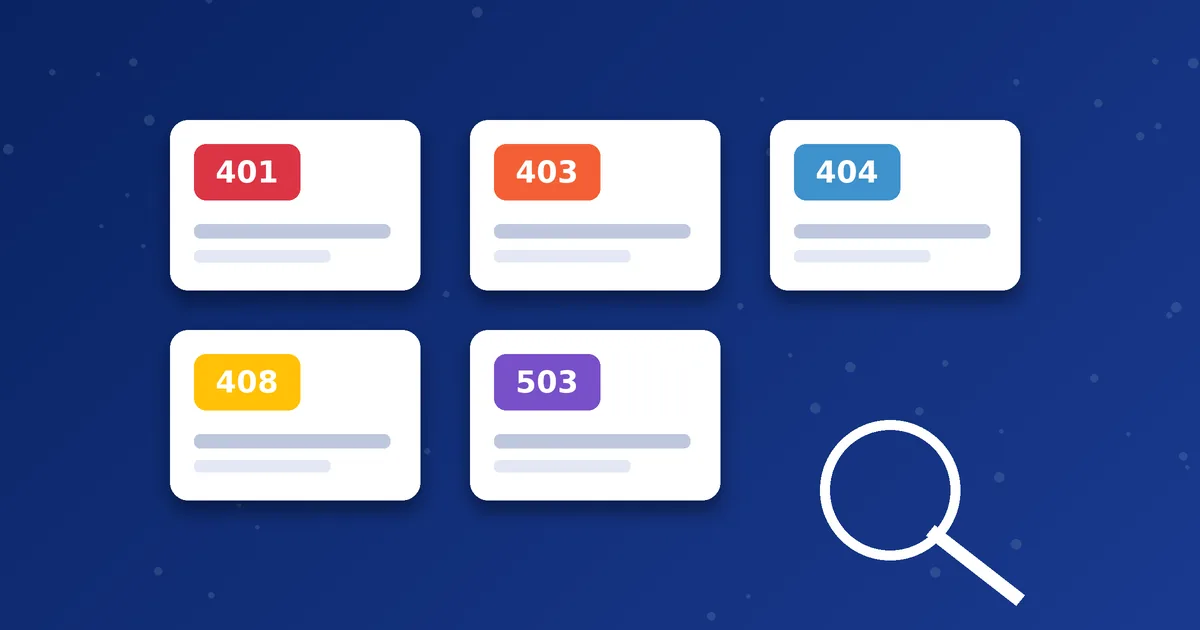
When a SIP app shows a number such as 401 or 503, it is repeating a response code from the server. These codes are defined in the SIP standard, and they are a useful clue. Many dialers do not show them, but when they do, you can save time by knowing roughly what they mean. Remember that wording in your app may differ, and the same code can have more than one cause.
The codes you are most likely to see
| Code | Plain-English meaning | First thing to check |
|---|---|---|
| 401 Unauthorized | The server asked for valid credentials and did not accept them | Username and password, hidden spaces, correct case |
| 403 Forbidden | The server understood the request but will not allow it | Account status, allowed destinations, wrong Brand PIN or operator code |
| 404 Not Found | The number or user could not be found | Number format, country code, destination support |
| 407 Proxy Authentication Required | A proxy wants credentials before it will pass the request | Credentials and server settings |
| 408 Request Timeout | No answer came back in time | Internet stability, blocked network, wrong server or port |
| 480 Temporarily Unavailable | The person or route is not reachable right now | Try again later, check the destination number |
| 486 Busy Here | The line you called is busy | Wait and call again |
| 487 Request Terminated | The call was cancelled before it was answered | Usually normal if you hung up or the other side cancelled |
| 503 Service Unavailable | The server or route is overloaded or temporarily down | Wait a few minutes, then contact support if it persists |
How the code groups work
The first digit tells you the category. Codes starting with 4 mean the request had a problem, such as bad credentials or a number that cannot be found. Codes starting with 5 mean the server could not complete a valid request. Codes starting with 6 mean the destination refused the call globally. Codes starting with 1 and 2 are normal progress and success messages, like ringing and answered.
Errors during registration versus errors during a call
A 401 or 403 that appears right after you save your account usually means the problem is with sign-in. Work through the registration checklist. A 404, 480 or 486 that appears after you dial usually relates to the number you called. A 408 or 503 can happen in both situations and often points to network or server availability.
Fixing the number format first
A surprising number of 404 errors are simply caused by dialling a number in the wrong format, for example including a leading zero after the country code. Our guide to dialling international numbers correctly shows how to write them.
When to contact support
If you see the same code repeatedly after checking the basics, contact support with the code, the time, the number you tried and whether you were on Wi-Fi or mobile data. Do not include your password. Our support checklist lists the details that help most.
Three examples of reading a code in context
Example 1: 401 right after you add the account. You have just typed your details and the app reports 401. The server asked for credentials and rejected them. Re-copy the username and password and check for spaces.
Example 2: 404 on one number only. Other numbers work, but one fails with 404. The number is probably wrong for the route, for example a leading zero was kept after the country code. Rewrite it in international format.
Example 3: 503 on every call for an hour. The account registers fine, but every call fails with 503. This points to a route or server problem rather than your phone. Wait a little and then contact support with the time of the failures.
Codes that are not errors
Some codes appear in logs and are perfectly healthy:
| Code | Meaning |
|---|---|
| 100 Trying | The server received your request and is working on it |
| 180 Ringing | The destination is ringing |
| 183 Session Progress | Early audio such as a ringing tone is being sent |
| 200 OK | The request succeeded, for example the call was answered or the registration was accepted |
What not to do when you see a code
- Do not change many settings at once. Match the code to the likely cause and test one thing.
- Do not assume that a 4xx code always means you made a mistake. Routes and accounts can also be the cause.
- Do not share your password when asking for help. The code, time and number called are enough.
Keeping a simple error log
If you see errors regularly, note each one in a short list with the date, time, network and number called. After a few entries, patterns often appear, for example errors only on one Wi-Fi network or only to one country. A pattern is a powerful clue, and it makes your support request much more useful.
Next step: Seeing an error that is not listed here? Send us a screenshot on WhatsApp and we will tell you what to check next.
Frequently asked questions
Is a 5xx error my fault?
Not usually. A 5xx code points to the server or route, so waiting and retrying or contacting support is more useful than changing your settings.
Why does my app show words instead of numbers?
Many apps translate codes into messages like Call Failed or Busy. The underlying cause is the same.
Can a wrong Brand PIN cause a 403?
It can, depending on how the service is set up. Always use the Brand PIN issued for your account.